
Mac appOn the App Store
Wake: Battery health and Dynamic Island for Mac
Battery health and a Dynamic Island for your Mac.
FreeRequires macOS 14.0 or laterVersion 2.4Updated



About Wake
Wake lives in your Mac's menu bar and shows what the battery is really doing: live percentage, time remaining, health and cycle count, with a long-term health graph. On notched Macs, moving the cursor to the notch opens a live battery panel.
What it does
- Live battery percentage, charging state and time remaining
- Screen-on time and efficiency for each session
- Battery health and cycle count with a long-term graph
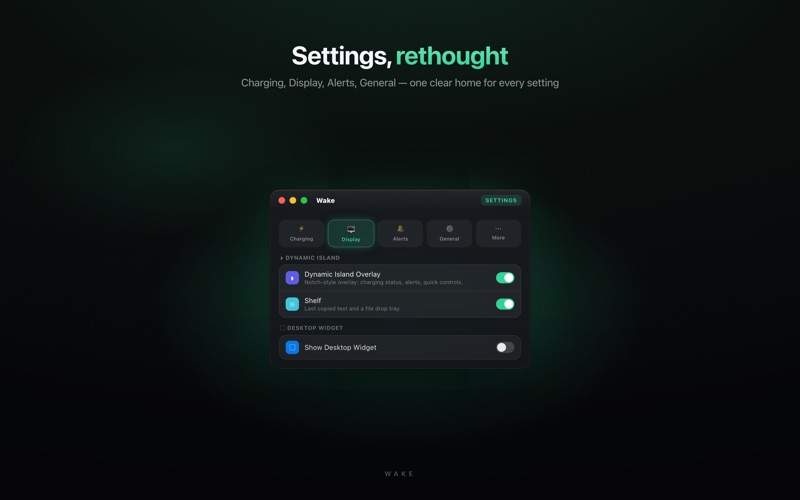
- A Dynamic Island battery panel on notched Macs
- Desktop and Notification Center widgets
- Shortcuts support
- Charge limit: only in the GitHub version, not the App Store one
Frequently asked questions
- What does Wake show?
- Live battery percentage, charging state and estimated time remaining from the menu bar, plus session tracking, battery health and charge cycle count with a long-term health graph.
- What is the Dynamic Island on a Mac?
- On notched Macs, moving your cursor to the notch opens a live battery panel.
- Does Wake collect data?
- No. There is no data collection and no account is required. Wake is free with no ads.
- Which languages does it support?
- English and Turkish. The interface, notifications and widget follow the system language.
- Does Wake have a charge limit?
- Only in the GitHub version, which uses a small notarized background helper to reach the battery controller. The App Store version does not have it, because the App Store sandbox cannot reach that controller.
More apps
 HaftraLog GLP-1 doses, injection sites and weight in one calm place.
 RelayMirror your iPhone screen onto your Tesla's display.
 FlickSwipe through films and series and settle on tonight's pick.
 DozluMedication reminders that keep every dose on time.
 Sıfır DumanCount smoke-free days and the money you keep in your pocket.
 Şarj Ne KadarPlan an electric car trip with its charging stops, and what each charge costs.
 More GBShrink the photos you choose and free the cache iOS is holding, every result measured.
 NetVarlıkEvery asset you own, summed into one net worth in lira.
 PruvoReceipts, warranties and return deadlines in one private archive.
 WattWaveSee the watts your charger delivers and how fast your network really is.
 MatineeA calm home screen for your TV, built around your own apps.